
Viking Rise bot for MuMu Player Stock your farms while you sleep.
VendingMachine is a Viking Rise bot that handles farming on your PC, so you can spend more time on the parts of the game you enjoy.
- Easy setup · running in three steps
- Recovers by itself overnight
- Fast updates
- No account limit
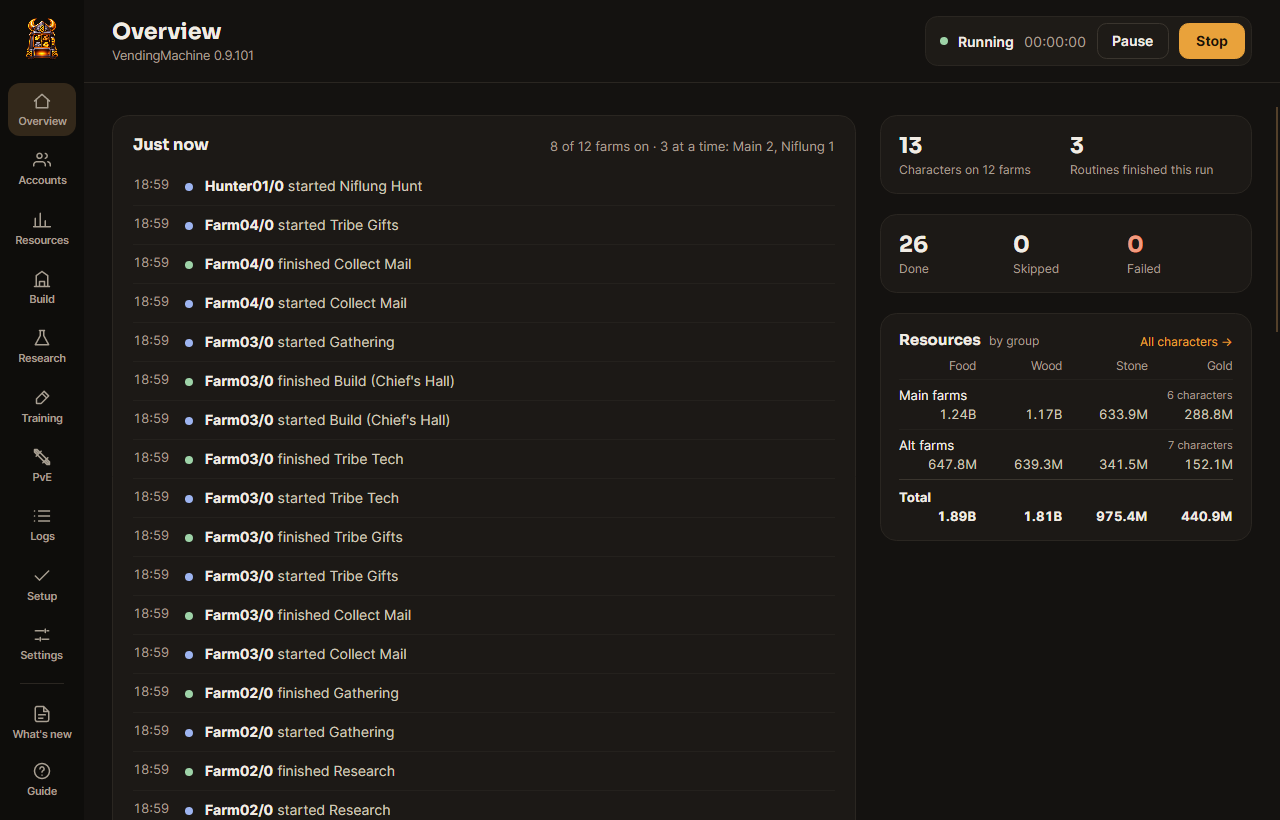
Inside the app
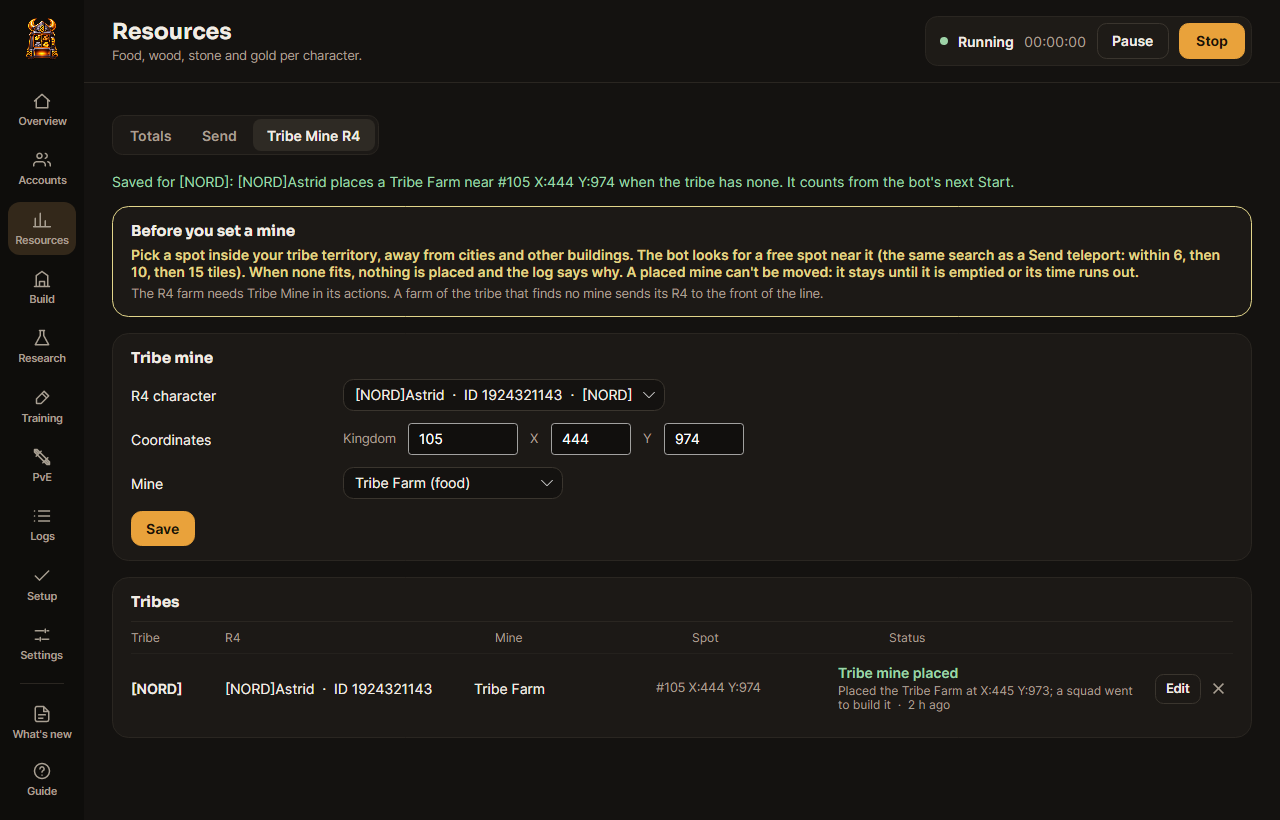
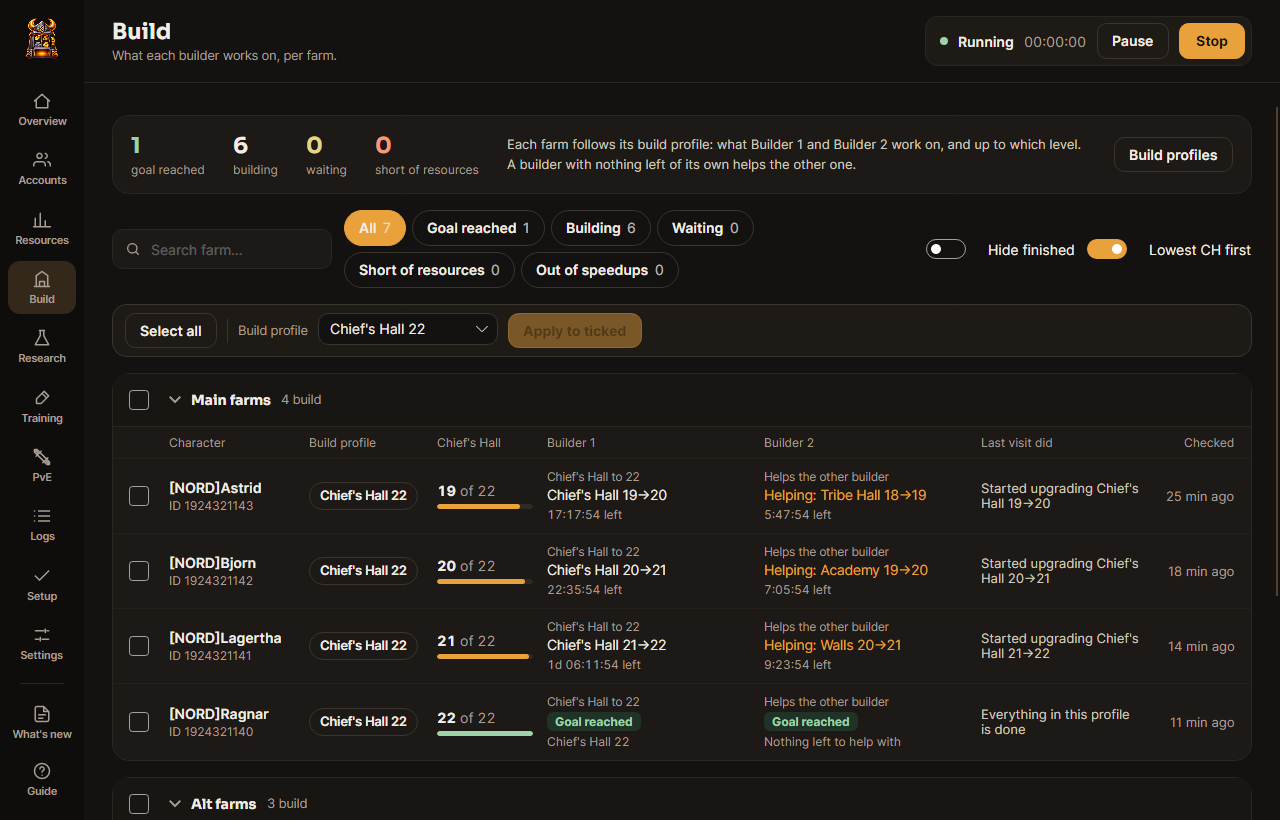
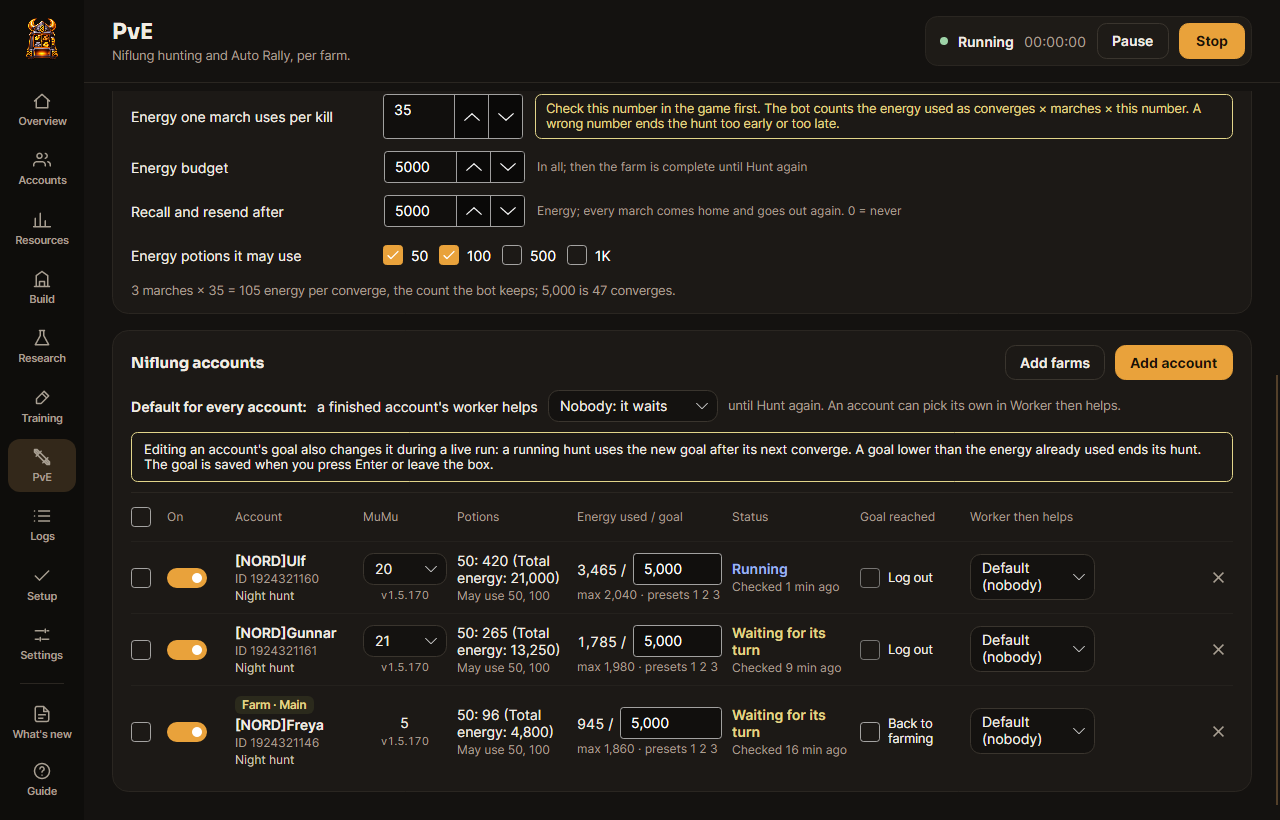
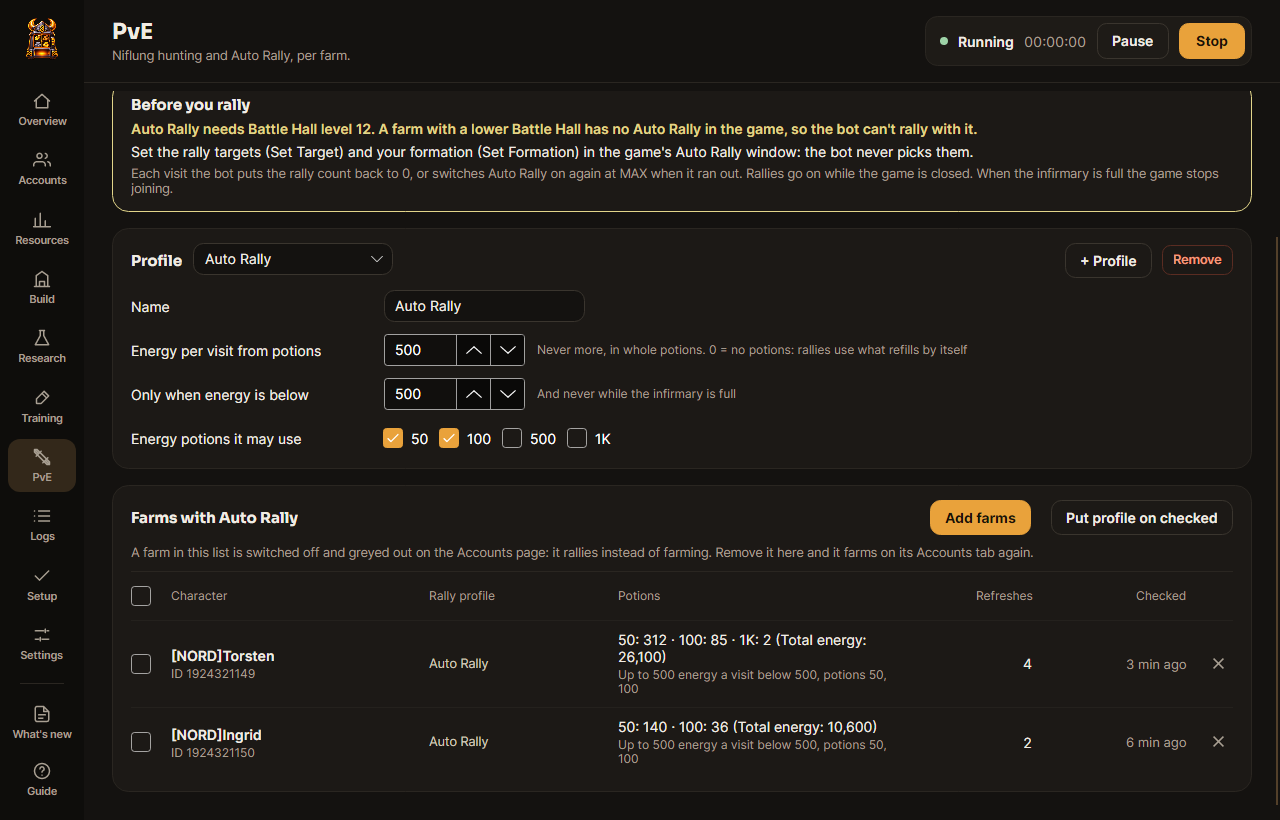
Why players pick VendingMachine
Made by Viking Rise players, for the way farm accounts really run.
No administrator rights
It installs into your own Windows user folder and updates itself. Windows never asks for admin rights, not at install and not at start.
Your antivirus stays on
No need to turn off Windows Defender or your antivirus, or to add exceptions for it.
Quick, and patient when it must be
Every step moves on the moment the game is ready, with no fixed waiting. On a slower PC it waits longer instead of tapping blindly.
You decide what each farm does
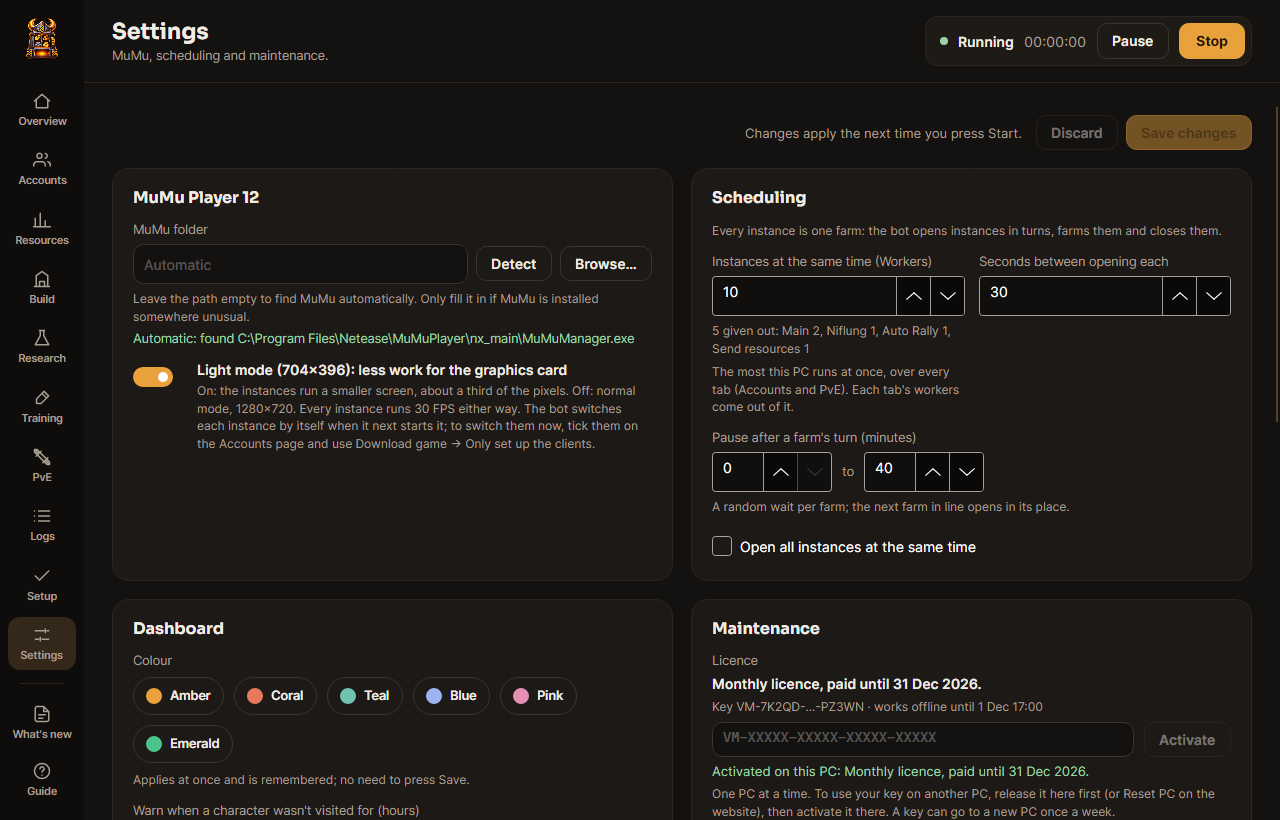
Pick the actions per farm, set your own timers, sort farms into groups and tabs with workers of their own, and save it all as profiles.
Your Viking Rise bot, running in three steps
- 1
Install and check
The Setup page finds MuMu Player, checks the game language and every instance, and tells you in plain words what to fix.
- 2
Add your farms
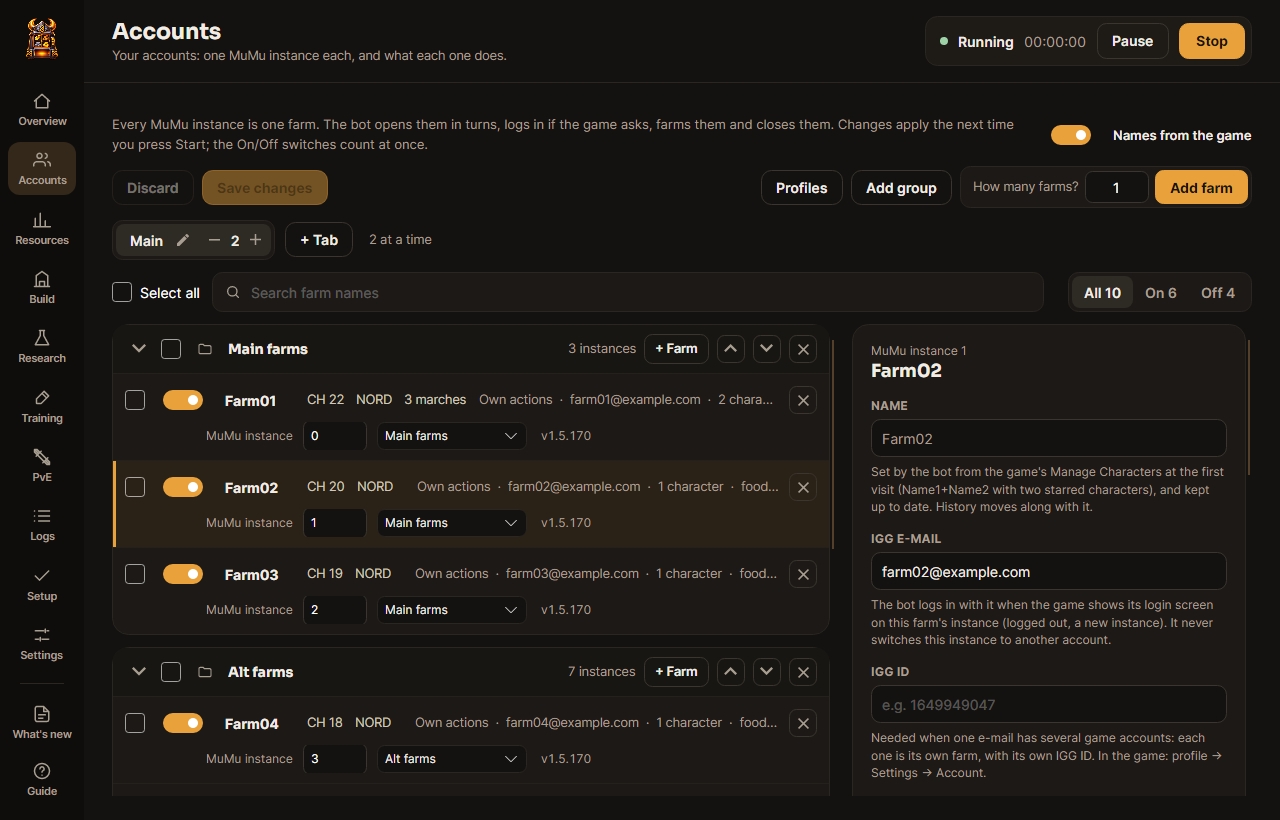
One MuMu instance per farm. Put farms in groups, tick the actions each one does, or save a profile and apply it to multiple accounts.
- 3
Press Start
The farms take turns all night. Pause any time; the bot carries on where it stopped.
Every Viking Rise chore, you pick which
-
Mail
-
Tribe Gifts
-
Tribe Tech
-
Free Hero Summon
-
Prosperity
-
Resource count
-
Build
-
Research
-
Training
-
Mercenaries
-
Tribe Mine
-
Gathering
-
Niflung hunt
PvE -
Auto Rally
PvE -
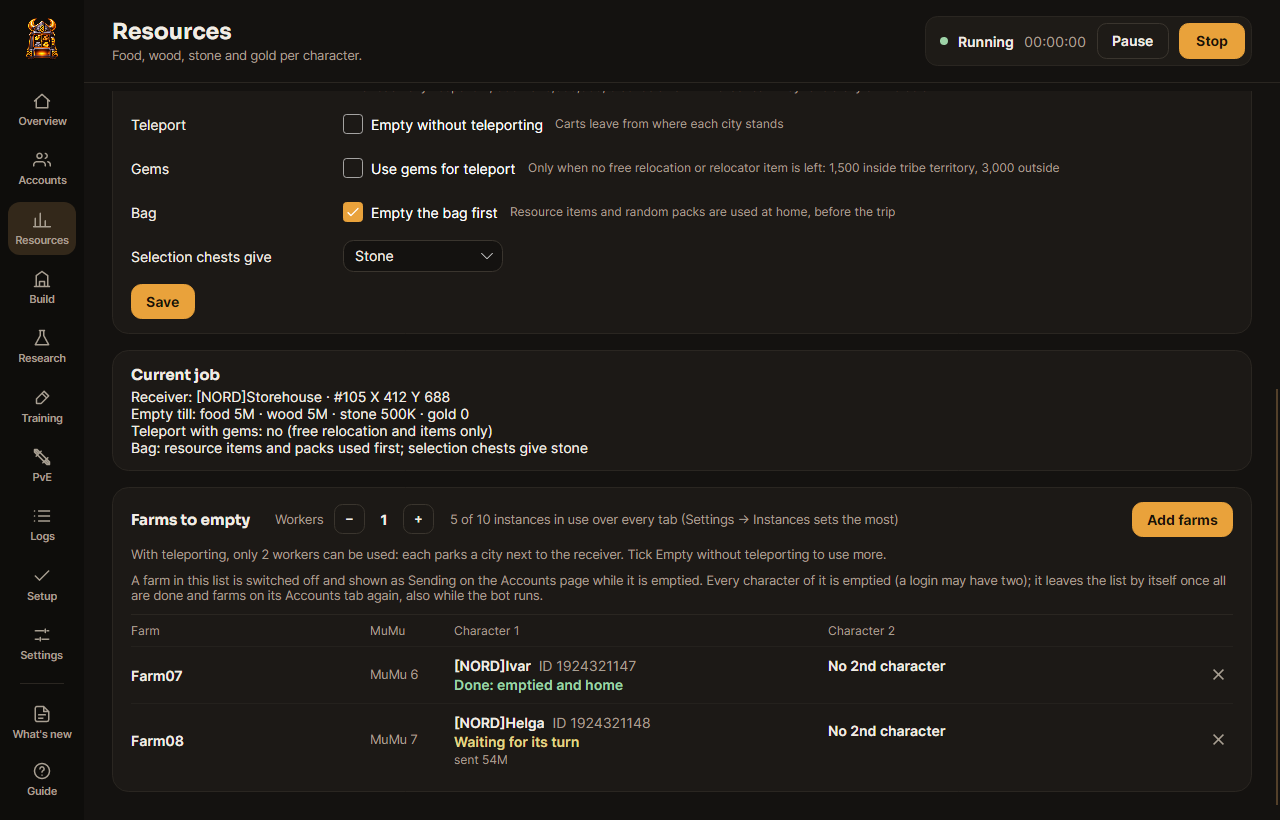
Send resources
Everything in one window
Tabs, groups and profiles
Sort farms into groups and tabs with workers of their own. Save a set of actions as a profile and put it on many farms at once.
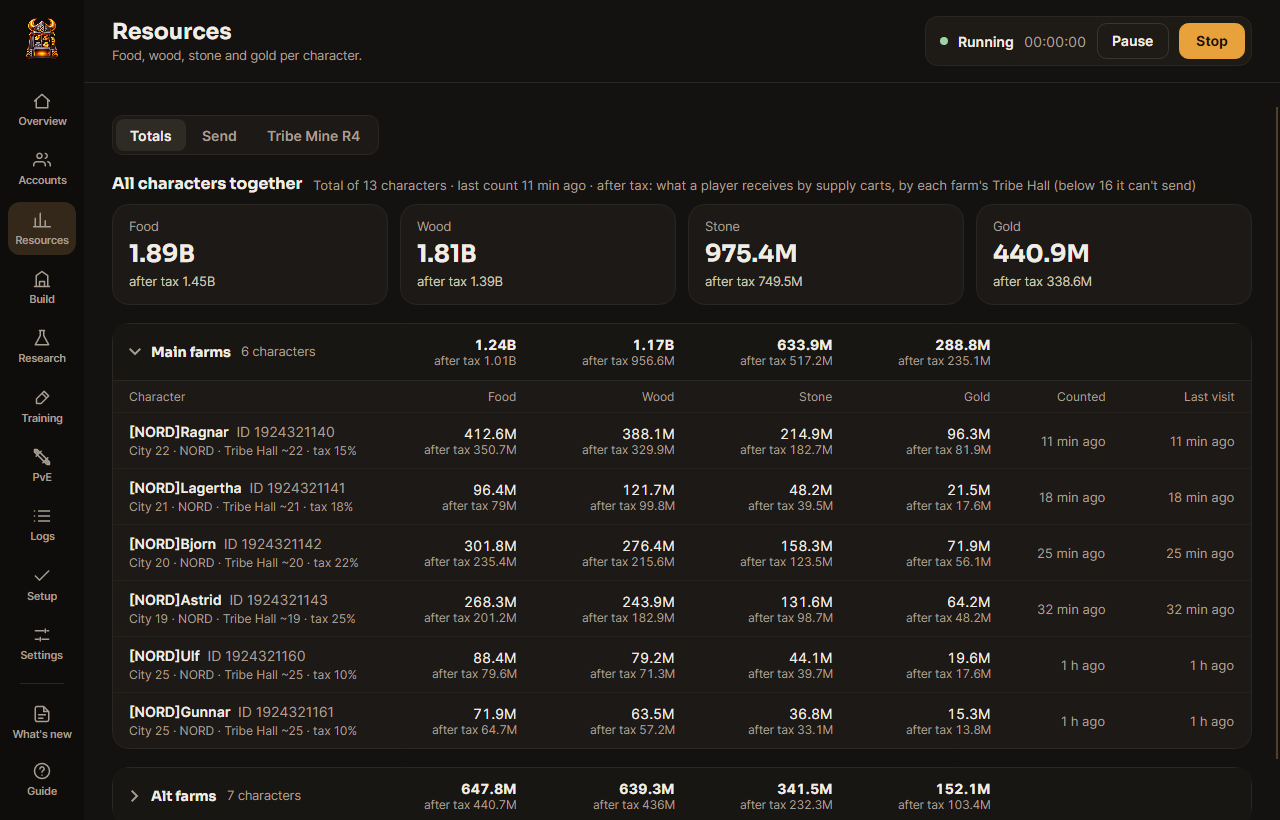
Resource totals
Food, wood, stone and gold per farm and per group. Daily, weekly or monthly to your Discord.
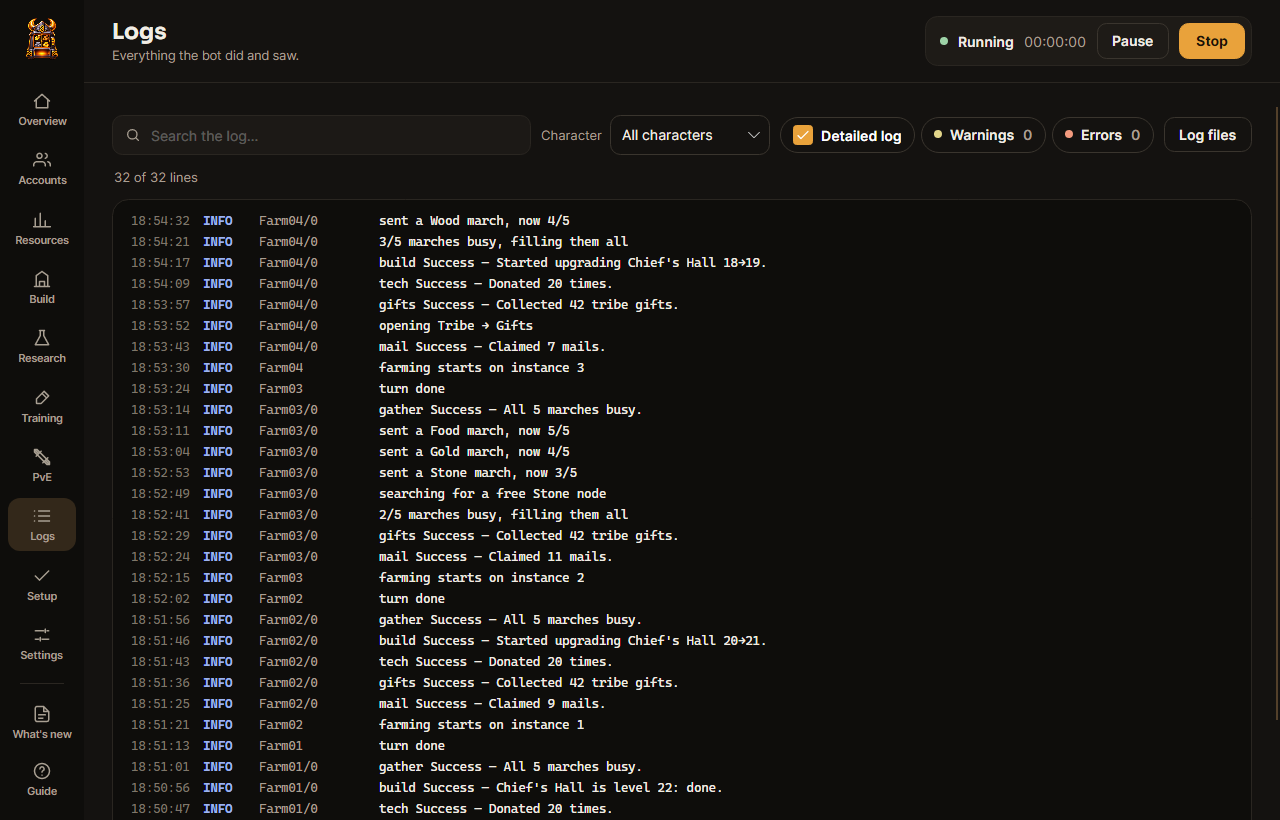
Logs you can filter
Search by farm, show only warnings or errors, and see a picture of every problem.
Recovers by itself
A stuck screen is retried, then the game restarts, then the instance. One bad farm never stops the night.
Re-create an instance
A broken MuMu instance is deleted, made new with the same number and gets the game installed, in one go.
Reclaim disk space
MuMu's instance files grow over time. One button shrinks them again.
Plays like you would
VendingMachine looks at the MuMu screen and taps, the same way you play. That's all it does.
- Only looks at the screen and taps. It never reads or changes the game itself.
- Waits for slow PCs instead of rushing, so older laptops work too.
Try it free, then pick a plan
As many farms as your PC can run. Pay with PayPal; subscriptions cancel any time.
Free trial
Log in with Discord. One trial per person and PC.
- Every farming action
- No Niflung hunt or Auto Rally
- As many farms as your PC runs
- Updates included
- Help on Discord
Monthly
Cancel any time; it runs until the end of the month you paid.
- Every action, Niflung hunt and Auto Rally included
- As many farms as your PC runs
- Updates included
- Help on Discord
Yearly
2 months free$8.33 a month, paid once a year.
- Every action, Niflung hunt and Auto Rally included
- As many farms as your PC runs
- Updates included
- Help on Discord
One licence is one PC. Moving to another PC: release it in the app, or reset it on My licence. A key can go to a new PC once a week.
Questions
What do I need?
A Windows 10 or 11 PC, MuMu Player, and Viking Rise set to English. The Setup page in the app checks the rest for you.
How many Viking Rise farms can I run?
As many as your PC can run MuMu instances for. Each instance plays one farm; the farms take turns when there are more farms than instances.
Can my Viking Rise account get banned?
No bot can promise that an account is safe, and using one may go against Viking Rise's rules. VendingMachine only looks at the screen and taps, like a player. The choice is yours.
Can I use my key on another PC?
One PC at a time. Press Release this PC in the app's Settings, or Reset PC on My licence, then activate the key on the other PC. A key can go to a new PC once a week.
How do I cancel?
On My licence, or in PayPal under automatic payments. The bot keeps working until the end of the period you paid for.
Can I get my money back?
Yes, within 14 days of paying, as long as you haven't activated the key on a PC yet. After that we refund when VendingMachine won't run on your PC and we can't fix it together, or when you were charged by mistake. The free trial is there to try it first, and the Refund policy has the details.
Ready for the night shift?
Start a free 7-day trial with your Discord login, install, and let the farms run tonight.